Entmorph - coding, simplified visually
Welcome to Entmorph, a visual development platform for coding, creating web applications, and generally building things made of code and data.
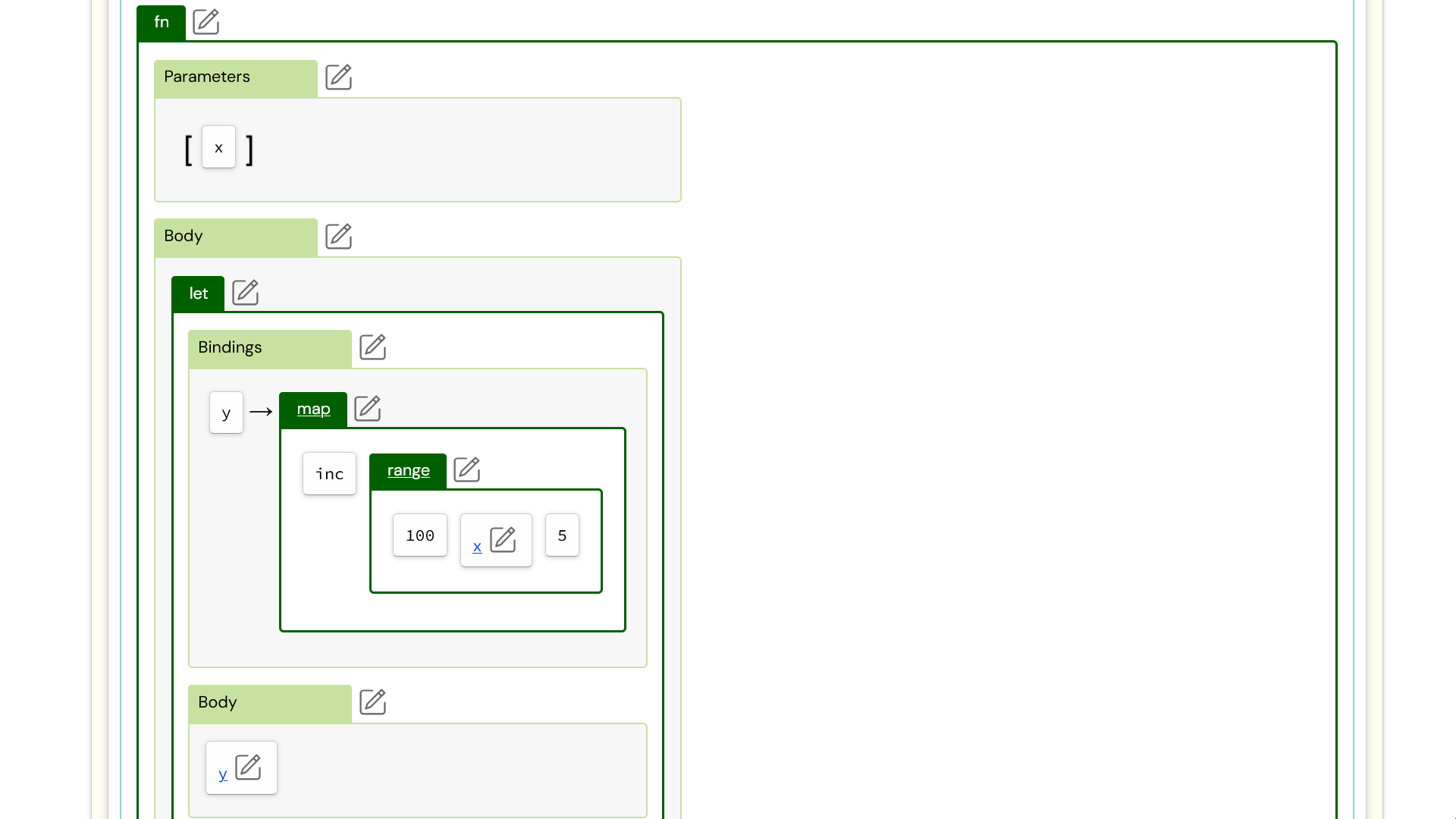
Entmorph provides:
- A browser-based visual code editor
- A Component Editor which allows you to:
- Create reactive user interfaces which respond to changes in state variables
- Style components using the Component CSS Styles editor
- Easily manage Event Handling using a unique declarative mechanism
- Utilize Special Elements for flow-control in your user interfaces (so no need for specialized template languages)
- Create Undoable applications
- Render static parts of your component using on the server using Server-Side Rendering
- ... and much more
You can learn more by watching the videos below.
Tutorials
The following tutorials will help you to learn how to use Entmorph.
Introducing the Code Editor - Part 1: Data [Video]
The Code Editor is the main tool for creating anything on the Entmorph platform.
In this video we look at:
- How to create a project
- Creating data and action code cells
- Simple data cells (numbers, strings)
- Collection data cells (vectors, maps, sets)
- Call action cells (for calling functions)
- The Undo panel
This is a quick introduction on how to use the Entmorph Code Editor. Future videos and tuturials will go into much more detail.
Introducing the Code Editor - Part 2: Actions [Video]
In this second video, we look at action cells in more detail. Specifically we cover:
- let actions
- if actions
- fn actions
Entmorph Components - Overview [Video]
The "Hello, World!" for Entmorph Components, in which you learn how to:
- Create a project
- Create a component
- Add parameters to it
- Give it a basic user interface
- Build and preview the component in the browser
Entmorph Components - Introducing State Variables and Reactivity [Video]
- Create reactive user interfaces, using a visual HTML-based editor
- Create reactive state variables, which interact with the user interface
Entmorph Components - Introducing CSS Styling [Video]
The Entmorph Component editor features a powerful CSS styles editor for creating stylesheets which are scoped to individual components.
In this video we add styles to our existing component. We'll explore:
- Visual editors for:
- Style Rules
- Selectors
- Declaration Blocks
- Keyframes Rules
- CSS style properties
- Nesting Style Rules using Child Rules
- Creating variables using the :locals editor
- How Entmorph components uniquely name component styles